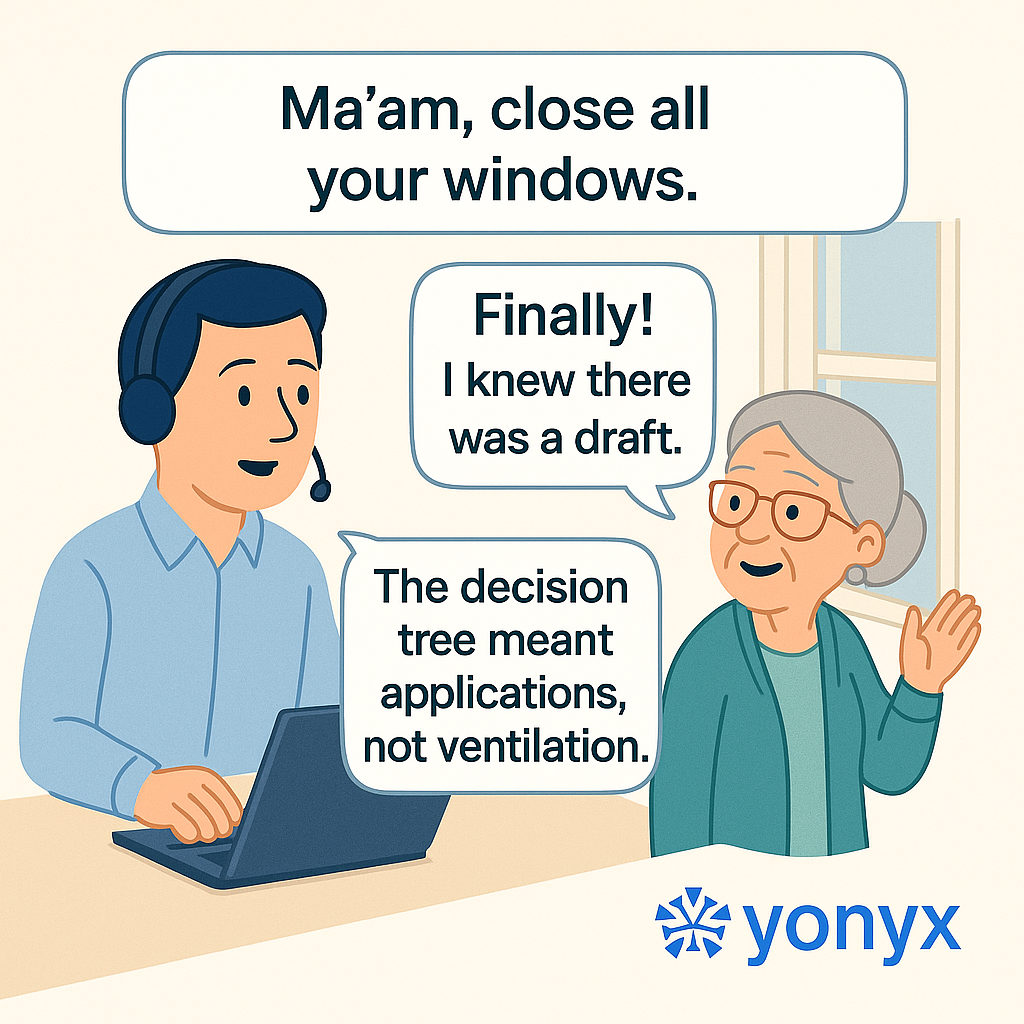
There are moments in technical support when reality bends just enough to remind us why we document everything. And then there are moments like this one, when a simple instruction turns into a home maintenance project.
Agent: “Ma’am, close all your windows.”
Grandma: “Finally! I knew there was a draft.”
Agent: “The decision tree meant applications, not ventilation.”
This is the kind of beautifully unintended comedy that emerges when troubleshooting language collides with literal interpretation. The decision tree is trying to optimize CPU usage; Grandma is trying to optimize room temperature. Both are technically doing their job.
Why These Moments Happen
Decision trees are built on clarity. Customers are built on context. When an agent follows a structured troubleshooting flow, every instruction is chosen for efficiency and accuracy. But customers bring their own assumptions, experiences, and sometimes a lifetime of non-technical meaning behind certain words.
So while the decision tree faithfully intended “close all your open applications,” Grandma quite reasonably closed every physical window in sight.
Moments like this happen because:
- Technical wording doesn’t always match everyday language
- Instructions assume a shared understanding that may not exist
- Customers interpret steps based on their environment, not the system’s
- Support teams underestimate how literally some users will take a phrase
To the decision tree, “windows” means processes in the operating system. To Grandma, it means the things that cause a draft.
How Decision Trees Help (Even When They’re Misunderstood)
Structured decision trees exist to remove guesswork and keep agents from improvising their way through complex scenarios. Each step is authored, tested, and refined over time. When implemented well, tools like Yonyx Interactive Decision Trees help support teams deliver consistent answers, no matter who picks up the call.
But decision trees also expose where language is unclear. If “close all your windows” leads to a draft-free living room instead of a clean taskbar, that’s a signal to refine the wording, add clarifying prompts, or introduce more user-friendly phrasing.
Support teams that pair decision trees with smarter self-service—such as AI-powered FAQ search experiences from platforms like AskYourFAQ—can guide users using more natural language while still honoring the logic underneath.
Designing Instructions for Real People
Humor aside, there’s a serious design lesson here: users will always interpret instructions through their own lens. That lens might be shaped by:
- How comfortable they are with technology
- What “windows,” “restart,” “kill,” or “terminate” mean in their world
- Whether they’re under stress when they reach out to support
- How many times they’ve been burned by vague instructions before
Good decision trees don’t just encode logic; they also encode empathy. They anticipate misunderstandings and quietly correct them without blaming the user. Instead of saying “close all your windows,” the tree might say “close all open programs on your computer screen” and then confirm that nothing else is running.
From Misunderstanding to Improvement
Every misunderstanding is an opportunity to improve the flow. When Grandma proudly reports that the draft is gone but the app is still frozen, the support team has learned something valuable:
- The wording was technically correct but contextually ambiguous
- Users will always prioritize their own interpretation of a word
- Future versions of the decision tree should close the gap
Over time, these small adjustments turn scattered support knowledge into a reliable, repeatable experience—one where fewer users are left shivering next to a closed window and an open application.
Conclusion
“Ma’am, close all your windows” was never meant to trigger a home energy audit, but Grandma’s response highlights exactly why support content must be written for humans, not just systems.
The decision tree wasn’t wrong. Grandma wasn’t wrong. They were simply operating in different worlds.
And that’s the quiet power of a well-authored troubleshooting flow: it keeps the logic intact while continuously adapting the language, so the next time someone is told to close their windows, they fix the problem on their screen—not just the draft in the room.