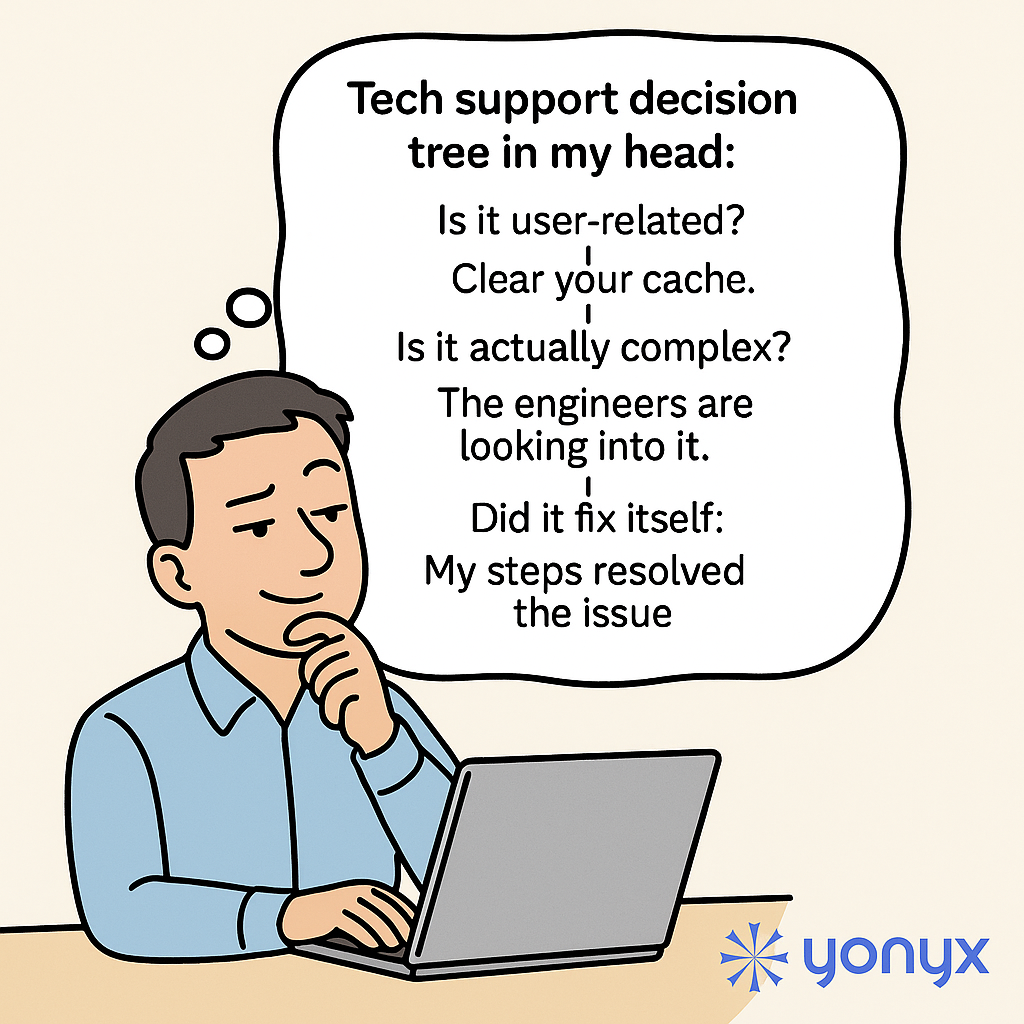
Tech support decision tree in my head: if it’s user-related, I’ll say “Clear your cache.” If it’s actually complex, I’ll say “The engineers are looking into it.” And if it fixed itself, well, obviously “My steps resolved the issue.”
The Joke Every Tech Support Engineer Recognizes
Anyone who has worked in tech support knows these three responses by heart. They are so common they might as well be hardcoded: blame the cache, escalate to engineering, or quietly take credit when the problem disappears on its own. The humor comes from admitting that this “decision tree” often lives in our heads long before any formal process is written down.
The problem is not that these answers are always wrong. It is that they are usually a convenient shortcut instead of a clear, documented path to resolution.
Why Tech Support Defaults to These Three Outcomes
Support teams are under pressure to move quickly, keep queues under control, and sound confident. That combination naturally pushes people toward familiar shortcuts:
- “Clear your cache” when the issue might be local or hard to reproduce
- “The engineers are looking into it” when the root cause is unclear or still being investigated
- “My steps resolved the issue” when the problem mysteriously disappears before anyone finds the real fix
These responses feel safe, but they do not always build trust with users. Over time, customers start to hear them as stock phrases rather than meaningful updates.
Turning the Mental Decision Tree into a Real One
A formal, interactive decision tree makes the invisible thought process visible. Instead of relying on what an individual engineer happens to remember or prefers to say, the organization defines real logic:
- Clear criteria for when to ask the user to retry or clear local data
- Documented thresholds for escalation to engineering
- Structured steps to verify whether the issue truly resolved and why
When the path is explicit, agents no longer have to improvise. Customers see consistent questions, consistent steps, and consistent explanations. The “decision tree in my head” becomes a transparent workflow everyone can follow—and improve.
How Yonyx Helps Tech Support Teams Stay Honest and Consistent
With Yonyx Interactive Decision Trees, support leaders can turn tribal knowledge into guided, interactive flows that every agent can use in real time.
Support teams can:
- Design interactive decision trees that adapt based on user answers
- Use auto-traverse logic to skip irrelevant steps and shorten calls
- Embed forms to capture key troubleshooting details before escalation
- Standardize how and when issues are handed off to engineering
- Review analytics to see which branches agents and customers use most
- Continuously refine flows without rewriting an entire knowledge base
Instead of relying on three default lines, agents follow a clear path that leads to a genuine diagnosis—and a more credible answer.
Call to Action
If your tech support conversations still depend on whatever decision tree lives in each engineer’s head, it may be time to put that logic into a shared, guided experience.
Start by transforming your static FAQs into an AI-assisted, searchable experience at AskYourFAQ.com. Then guide your agents and customers step-by-step through complex issues with Yonyx Interactive Decision Trees.