When support requests keep coming in, agents can spend more time managing the workload than actually helping customers. They sort tickets, answer the same questions, search for information, and switch between tools to complete simple tasks.
Customer support automation tools can take some of that work off their plate. The trick is finding a tool that solves your team’s actual problem, rather than paying for features you might never use.
Below, we’ll compare 10 customer support automation tools, what each one does best, how much it costs, and what users have said about their experience.
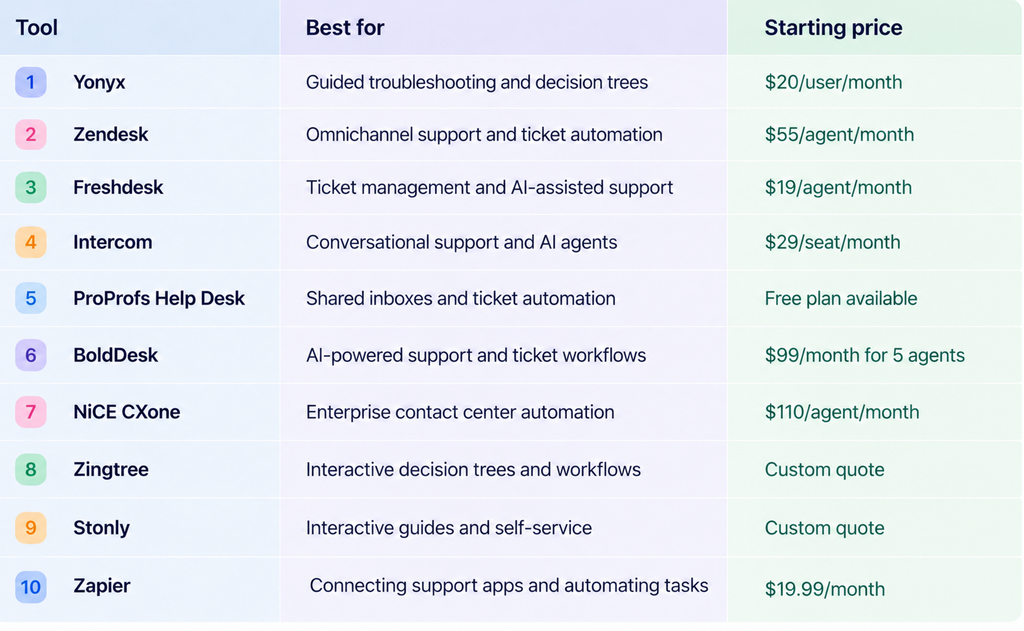
Best Customer Support Automation Tools at a Glance
What Are Customer Support Automation Tools, and Which Type Do You Need?
Customer support automation tools help teams handle routine support tasks with less manual effort. Depending on the software, that might mean answering common questions, assigning tickets, finding information, or guiding agents through a troubleshooting process.
The right choice depends on what’s slowing your team down.
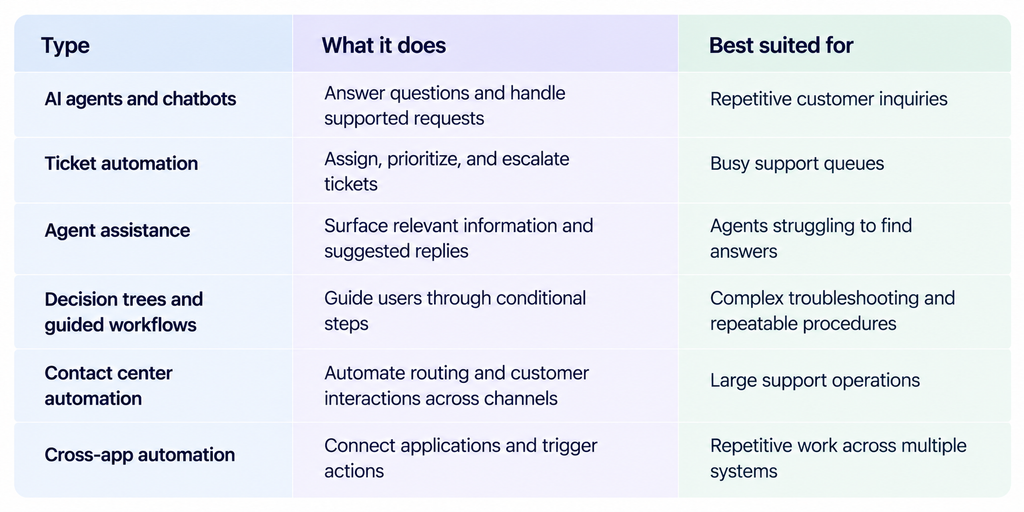
For example, a ticketing tool can automatically assign a billing complaint to the right team. A decision tree can help the agent determine whether the customer qualifies for a refund and which steps to follow next. Both automate work, but they solve different problems.
10 Customer Support Automation Tools Compared
1. Yonyx
Best for: Support teams that need step-by-step guidance for complex or repeatable customer issues.
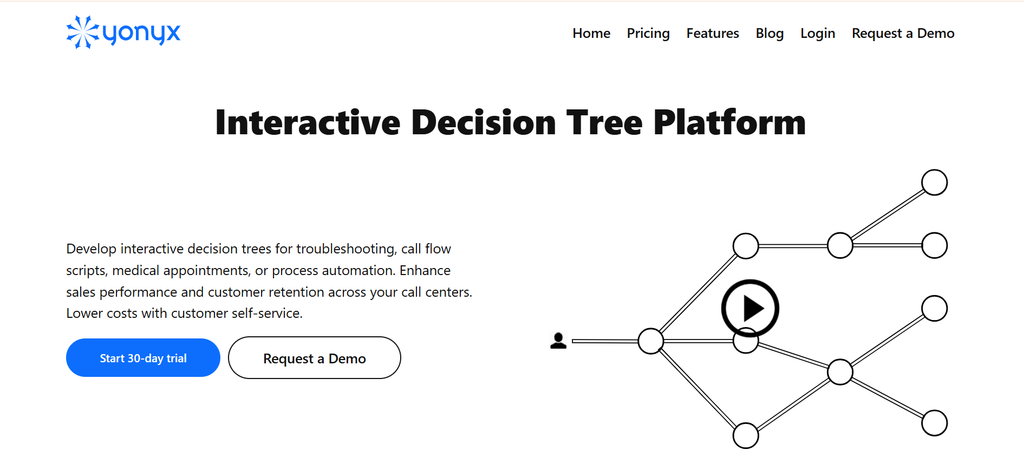
Yonyx makes it easier for agents to handle customers’ problems without needing to memorize each process or going through long documents. Interactive decision trees in Yonyx ask questions and show the next possible step according to the answer. This tool can be used by teams for technical problems, bill inquiries, call scripts, and many other procedures where actions depend on the context. Yonyx also allows CRM integration and API.
Pricing: Starts at $20/user/month.
Pros:
- Branching logic
- Multilingual guides
- Traversal analytics
Cons:
- Setup effort
Real User Feedback: “The step-by-step guides made my job easier.”
Choose Yonyx if: Your agents handle recurring but complicated issues and need clear instructions that change according to customer responses, business rules, or account information.
2. Zendesk
Best for: Support teams handling customer requests across multiple channels and brands.
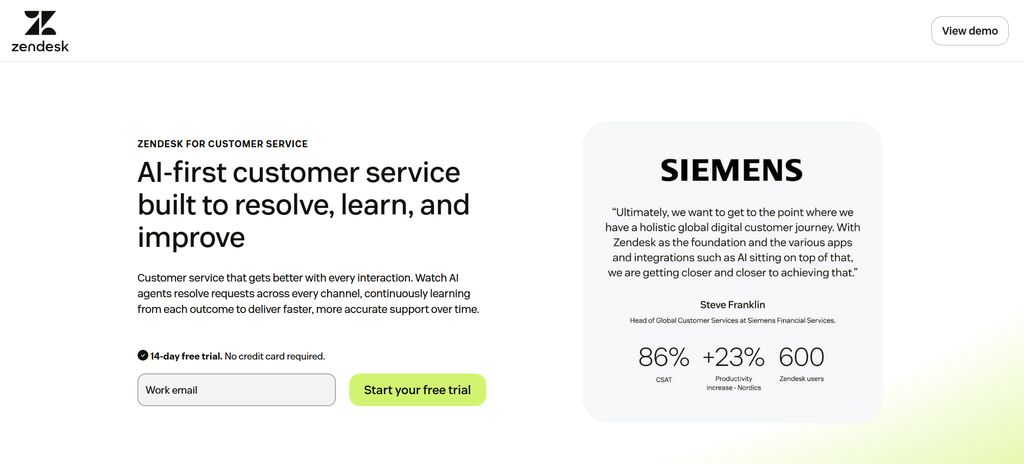
Zendesk incorporates tickets, customer interactions, knowledge, and automation in one support system. Agents can access the shared queue, whereas the rules assist in organizing and routing incoming requests. Moreover, the overall platform also provides customer service using AI and reporting. Such functionality will be extremely beneficial for the business case where there is a need to grow beyond isolated inboxes and disparate support systems.Advanced automation and AI capabilities depend on the plan, so check the feature requirements before comparing subscription costs.
Pricing: Starts at $55/agent/month.
Pros:
- Multichannel workspace
- Marketplace integrations
- Ticket history
Cons:
- Rule maintenance
- Advanced-plan costs
- Configuration complexity
Real User Feedback: “Agents working from one unified queue instead of switching tools has also kept training simple”
Choose Zendesk if: Your team needs a central place to manage customer requests and wants ticket automation, multichannel support, and reporting within the same platform.
3. Freshdesk
Best for: Growing support teams that want to organize tickets and cut down on repetitive work.
Freshdesk gives teams a shared place to manage customer requests, assign tickets, track service levels, and coordinate responses. Automation rules help take care of routine tasks, while canned responses make common questions quicker to answer. Teams can also use its knowledge base and self-service features to help customers find information independently. Freshdesk is a practical option for businesses that want to bring scattered support requests under control without immediately moving to a full enterprise contact center platform.
Pricing: Starts at $19/agent/month.
Pros:
- SLA tracking
- Shared dashboards
- Canned responses
Cons:
- Limited customization
- Occasional loading delays
- Reporting constraints
Real User Feedback: “The automation has helped us save a ton of time on repetitive tasks”
Choose Freshdesk if: Your team spends too much time sorting requests and following up manually, and you need an accessible help desk to bring those tasks together.
4. Intercom
Best for: SaaS and digital businesses that want to automate customer conversations.
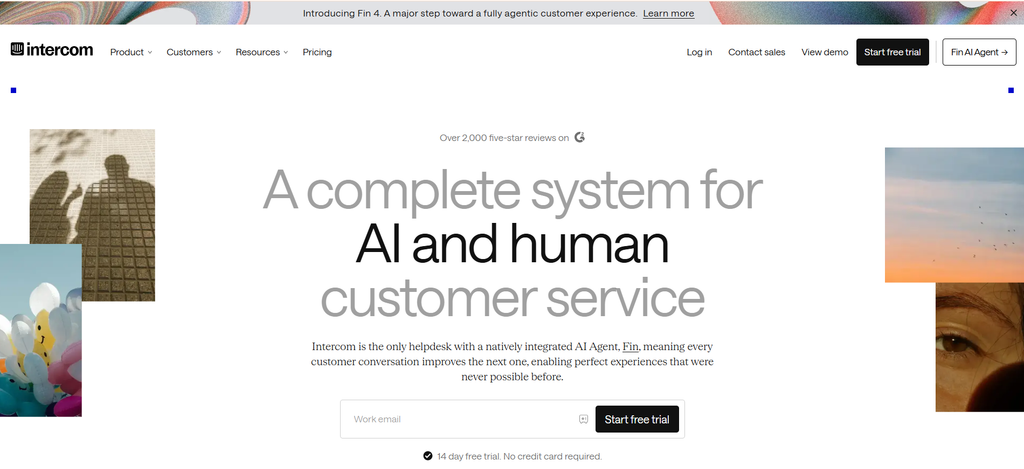
Intercom combines a shared inbox, messaging, a help center, workflows, and its Fin AI Agent. It can answer supported questions using available knowledge and help customers complete certain tasks through connected workflows. Human agents remain available for requests that need a closer look. This makes Intercom a good fit for businesses that want customers to get help inside their website or app instead of waiting for an email response. Remember to account for both seat costs and usage-based AI charges when estimating the total price.
Pricing: Starts at $29/seat/month.
Pros:
- In-app messaging
- AI workflows
- Multilingual support
Cons:
- Usage-based charges
- Higher seat costs
- Plan restrictions
Real User Feedback: “Fin is easy to use and supports our use case extremely well.”
Choose Intercom if: You want customers to get quick answers through conversational support and need AI to handle suitable requests while your team focuses on more complicated cases.
5. ProProfs Help Desk
Best for: Small support teams that need a simple way to manage customer emails and tickets.
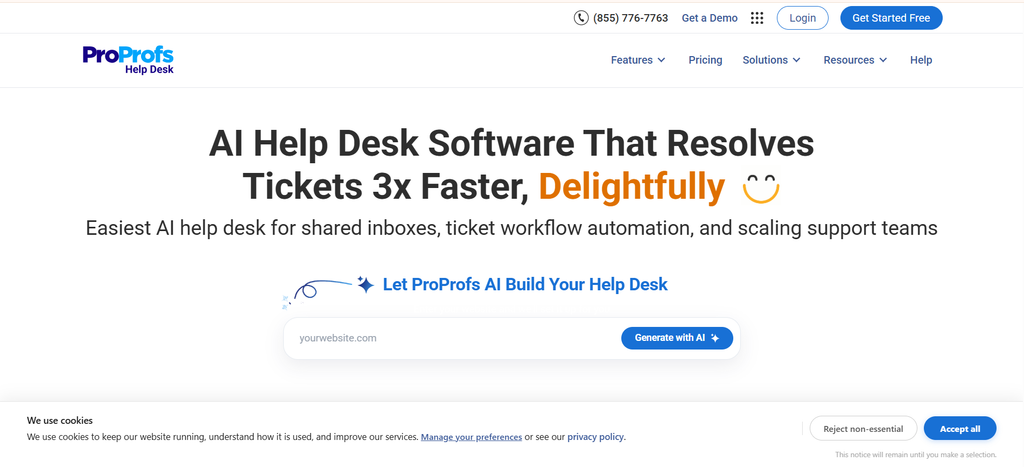
ProProfs Help Desk brings customer-facing emails into a shared workspace where agents can assign, prioritize, and track requests. Canned responses help with common questions, while internal notes make it easier for teammates to coordinate without sending separate messages. Reporting and feedback surveys give managers a way to review support activity and spot areas for improvement. It’s worth considering if your team is still managing customer requests across individual inboxes and needs a more organized way to handle them.
Pricing: Free plan available; paid plans start at $49/month.
Pros:
- Shared inbox
- Automated assignment
- Feedback surveys
Cons:
- Limited integrations
- Basic ITSM features
- Smaller review pool
Real User Feedback: “The best part about the ProProfs Help Desk is canned responses and shared inbox.”
Choose ProProfs Help Desk if: You want to stop juggling customer emails across different inboxes and give your team one place to track and respond to requests.
6. BoldDesk
Best for: Businesses that want ticketing, AI support, and workflow automation in one platform.
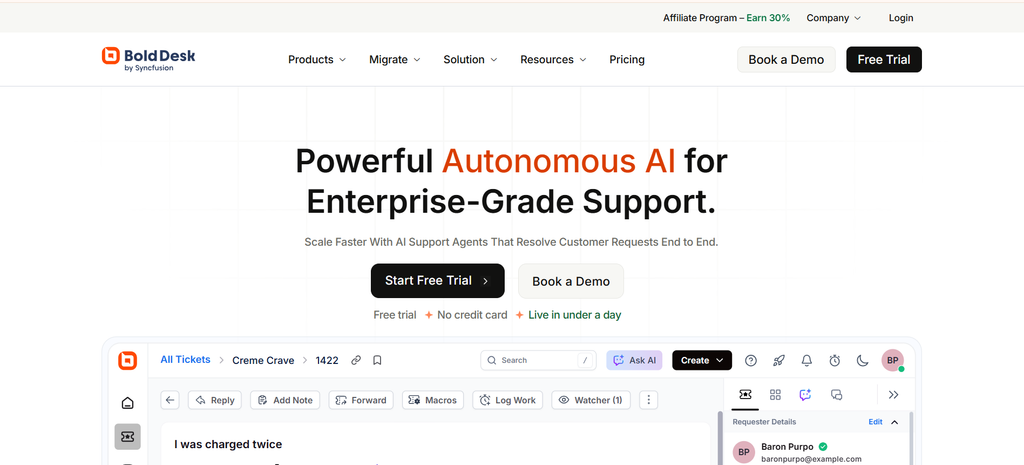
BoldDesk combines ticket management, a shared inbox, a knowledge base, and AI-powered support features. Teams can organize requests from supported channels, automate assignments and follow-ups, and monitor service levels. Its integrations help keep customer information and conversations connected, while AI capabilities can assist with supported inquiries. BoldDesk is worth evaluating if you want to bring several support functions into one system. Before choosing a plan, check which AI features are included and whether the available integrations cover your team’s existing tools.
Pricing: Starts at $99/month for 5 agents.
Pros:
- SLA management
- Ticket macros
- Customer portal
Cons:
- AI plan restrictions
- Integration interface
- Feature availability
Real User Feedback: “The interface is clean, tickets are easy to manage, and it helps keep customer conversations organized without feeling overwhelming.”
Choose BoldDesk if: You want ticket management, automation, and customer communication features in one platform without assembling a separate tool for each function.
7. NiCE CXone
Best for: Large contact centers that need to coordinate customer interactions across channels.
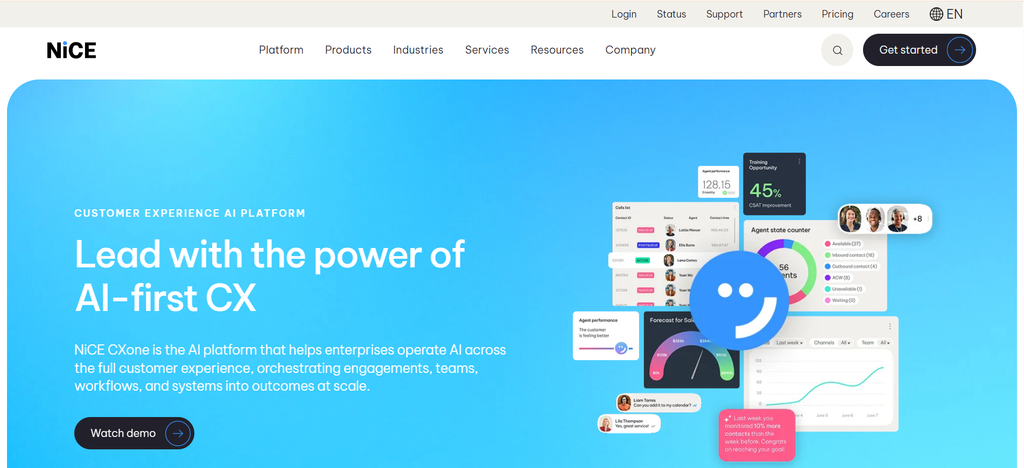
NiCE CXone is designed for contact centers managing a high volume of voice and digital interactions. Depending on the package, it can combine routing, self-service, agent assistance, analytics, and workforce tools. This helps larger teams coordinate customer requests and monitor service performance across departments. It is a broader investment than a standalone chatbot or decision-tree builder, so smaller teams may find more functionality than they need. Before committing, map your required channels, routing rules, reporting, and AI features to the specific package.
Pricing: Starts at $110/agent/month.
Pros:
- Workforce management
- Contact analytics
- Channel routing
Cons:
- Implementation effort
- Complex configuration
- Reporting learning curve
Real User Feedback: “It’s an easy system to navigate. The initial setup is pretty easy.”
Choose NiCE CXone if: You run a large contact center and need to manage routing, customer interactions, and service performance through a broader platform.
8. Zingtree
Best for: Teams that need interactive workflows to guide agents through complex customer requests.
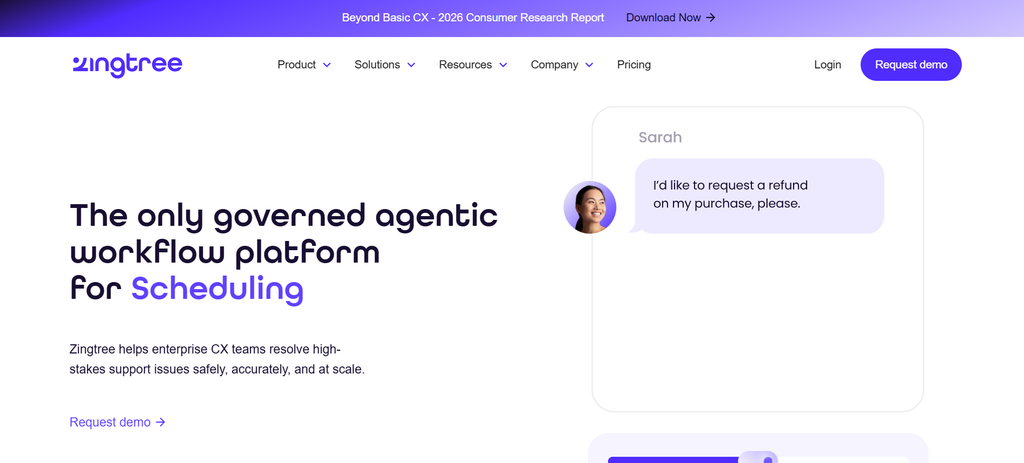
Zingtree turns procedures into clickable decision trees that agents can follow while speaking with customers. Its visual builder lets teams map different paths, add conditional logic, and update instructions when policies change. This is useful when the same type of request can lead to different actions depending on the customer’s answers. Zingtree can also connect with CRM and contact center systems, helping agents access guidance within their existing workflow. It is a particularly relevant option for support teams that want to reduce guesswork without relying on one long script for every situation.
Pricing: Contact Sales
Pros:
- Visual tree builder
- Version control
- API integrations
Cons:
- Large-tree clutter
- Reporting limitations
- Seat-based scaling
Real User Feedback: “It’s user-friendly and helps me navigate conversations, keeping everything on track.”
Choose Zingtree if: Your team needs to turn complicated procedures into guided workflows that agents can follow without memorizing every step.
9. Stonly
Best for: Businesses that want to turn static help content into interactive guides.
Stonly helps teams create step-by-step guides for customers and employees. Instead of asking users to read a long article and work out which instructions apply, it guides them through relevant steps. Teams can embed guidance in websites and product experiences, update content as things change, and use analytics to understand how people interact with their guides. Stonly is a good option when customers repeatedly ask how to complete a task or when employees need contextual instructions. Check the available integrations and plan requirements before deciding whether it fits your support setup.
Pricing: Custom quote.
Pros:
- Interactive guides
- Contextual help
- Guide analytics
Cons:
- Integration limitations
- UI customization
- Plan-dependent features
Real User Feedback: “This is the first piece of software I recommended at my new job”
Choose Stonly if: You want customers or employees to follow interactive instructions instead of relying on static articles or waiting for someone to explain each step.
10. Zapier
Best for: Support teams that need different business applications to work together.
Zapier connects applications through automated workflows, so an action in one tool can trigger another action elsewhere. For example, a new support ticket could notify a specialist in Slack, create a task in a project management app, or update a CRM record. This is useful when agents repeatedly copy information between systems or follow the same sequence of administrative steps. Zapier is not a replacement for a full help desk or a dedicated guided troubleshooting platform. Its role is to connect the tools you already use and cut down on repetitive work.
Pricing: Starts at $19.99/month.
Pros:
- Large app catalog
- No-code workflows
- Multi-step automations
Cons:
- Task-based limits
- Complex workflow debugging
- Variable usage costs
Real User Feedback: “My first Zap took less than fifteen minutes to set up”
Choose Zapier if: Your team spends too much time moving information between applications and wants to automate those tasks without building custom integrations from scratch.
When Are Guided Decision Trees Better Than a Chatbot or Knowledge Base?
A chatbot is useful when customers need quick answers. A knowledge base works well when they can find and follow the right instructions themselves. But some issues require a more structured process.
Imagine an agent helping a customer troubleshoot an internet connection. The next step depends on whether the modem is powered on, which lights are showing, and whether the problem affects one device or the entire network.
A guided decision tree takes the agent through those questions in order and changes the instructions based on each answer. That’s where tools such as Yonyx and Zingtree are worth considering.
If your team needs to guide people through conditional procedures rather than simply provide information, an interactive decision tree can be a better fit than a static article alone.
How to Choose and Pilot the Right Customer Support Automation Tool
Don’t choose a platform just because it has the longest feature list. Start with a problem your team deals with every day, then see which tool can solve it without making the workflow harder.
- Identify the problem. Are agents spending too long searching for answers, sorting tickets, or troubleshooting customer issues?
- Check integrations. Make sure the tool works with your CRM, help desk, and communication systems.
- Set a baseline. Record current handling time, repeat contacts, errors, and agent effort before introducing automation.
- Test real scenarios. Include routine requests and unusual cases that require escalation.
- Ask the people using it. Get feedback from agents and customers on whether the new process is easier to follow.
- Compare the results. Review performance against your baseline before rolling the tool out across the team.
A small pilot gives you a much clearer picture of whether the software will help than a polished product demo alone.
Final Thoughts
The right customer support automation tool should make everyday support work easier, not give your team another system to manage.
If your biggest problem is ticket volume, start with a help desk platform. If customers ask the same questions repeatedly, consider AI agents or self-service tools. If agents struggle to follow complex procedures, guided decision trees may be the better fit.
Shortlist the tools that match your workflow, check their limitations, and test them with real support scenarios before committing.
Frequently Asked Questions
What tasks can customer support automation tools handle?
They can answer routine questions, route tickets, send follow-ups, retrieve information, summarize conversations, and guide agents through troubleshooting procedures. The exact tasks depend on the platform and the integrations available.
What is the difference between a chatbot and workflow automation?
A chatbot communicates with customers and answers questions. Workflow automation triggers actions based on events or rules, such as assigning a ticket or updating a record. Some platforms combine both to handle requests and complete supported tasks.
How can you measure the success of customer support automation?
Track resolution rates, repeat contacts, handling time, escalation rates, customer satisfaction, and cost per successful resolution. Compare these metrics before and after implementation to see whether the tool is making a meaningful difference.
Can customer support automation tools integrate with an existing CRM?
Yes, many tools can retrieve customer details, update records, route requests, or trigger actions through CRM integrations. However, supported functions vary by vendor and plan, so verify the specific integration before purchasing.
How can businesses automate technical troubleshooting while keeping human support available?
Businesses can use guided workflows to take customers or agents through approved diagnostic steps, with escalation rules for unusual or unresolved issues. Test the workflows against real scenarios and keep human oversight for decisions that require judgment or authorization.