
The hardest part of a complex customer call is rarely knowing what to say. It is knowing what to do next.
Should the agent troubleshoot further, verify identity, escalate, mention a disclosure, or offer another option? On high-volume teams, expecting agents to remember every decision path can quickly lead to inconsistent calls.
That is where call center scripting software helps. Instead of giving agents lines to read, it guides them through the right questions, actions, and next steps as the conversation unfolds.
For this guide, we reviewed 11 call center scripting software platforms and analyzed 658+ user reviews from trusted review sites to understand how they perform in real-world use.
This guide covers:
- How call center scripting software works
- The 11 best tools and where each one fits
- Key strengths and limitations of each platform
- What to look for before choosing a tool
- How to guide agents without making calls sound robotic
What Is Call Center Scripting Software?
Call center scripting software is a tool that guides agents through customer conversations using prompts, predefined workflows, branching logic, customer data, or real-time recommendations.
Instead of asking an agent to read a long static script from top to bottom, modern tools can change what appears next according to the customer’s response, CRM data, previous steps, or what is being said during the conversation.
The important distinction is that today’s market contains several types of products under the broad “call center scripting software” label.
| Type | How It Works | Best Fit |
| Interactive decision-tree scripting | The next question or action changes according to agent/customer selections and predefined business logic | Troubleshooting, qualification, regulated processes, structured support and repeatable workflows |
| Real-time AI agent guidance | AI analyzes the live conversation and automatically surfaces relevant prompts, coaching, knowledge or next actions | Fluid conversations, objection handling, sales coaching and complex service interactions |
| CCaaS-integrated scripting | Scripts and agent guidance operate inside a larger cloud contact center platform | Teams replacing or consolidating telephony, routing, digital channels, analytics and agent guidance |
11 Call Center Scripting Software Tools at a Glance
| Software | Type | Best For | Public Starting Price | Customer Rating |
| Yonyx | Decision tree | Dynamic call scripts and CRM-driven workflows | Starts at $20/month | 4.7/5 |
| Zingtree | Decision tree/workflow | No-code guided workflows | Contact sales | 4.6/5 |
| ScreenSteps | Knowledge + decision trees | Procedural agent guidance | Starts at $6,000/year | 4.7/5 |
| Balto | Real-time AI | Live call coaching and prompts | Contact sales | 4.8/5 |
| Cresta | Real-time AI | Enterprise behavioral guidance | Contact sales | 4.2/5 |
| Observe.AI | Real-time AI + QA | Live guidance tied to quality management | Contact sales | 4.6/5 |
| Dialpad | CCaaS + AI | AI guidance inside an integrated communications platform | Starts at $80/month (billed annually) | 4.4/5 |
| NiCE CXone | CCaaS | Enterprise agent guidance and compliance | Starts at $110 per agent per month | 4.3/5 |
| Five9 | CCaaS | High-volume and outbound-heavy contact centers | Starts at $119/seat | 4.1/5 |
| Genesys Cloud CX | CCaaS | Complex omnichannel orchestration | Starts at $98/month (billed annually) | 4.4/5 |
| Talkdesk | CCaaS + Smart Scripts | Step-by-step scripts inside a full CCaaS | $105/user/month for Voice Essentials | 4.4/5 |
How We Compared These Call Center Scripting Tools
We compared each platform based on how well it supports agents during real customer conversations, not simply on the number of features it offers. We also analyzed 658+ real user reviews to understand how each tool performs in practice.
Each tool was assessed across five areas:
- Scripting and guidance: How the platform delivers decision trees, dynamic scripts, AI prompts, or step-by-step workflows
- Agent usability: How easily agents can follow guidance without slowing down the conversation
- Integrations: How well the tool connects with CRM, contact center, and business systems
- Management and analytics: How easily teams can update scripts, track usage, and identify weak points in call flows
- Pricing and buyer fit: Whether the platform makes sense for small teams, enterprise contact centers, or organizations replacing a broader CCaaS stack
We also looked closely at recurring themes in user reviews to identify where each platform performs well and where buyers report limitations.
11 Best Call Center Scripting Software by Use Case
Interactive Scripting Tools for Structured Agent Guidance
These platforms work well when calls follow repeatable business processes. Agents do not need to memorize every possible scenario because the workflow presents the appropriate next step based on what has already happened
1. Yonyx
Best for: Customer service, technical support, and sales, and BPO teams that need controlled branching workflows rather than a static block of script text.
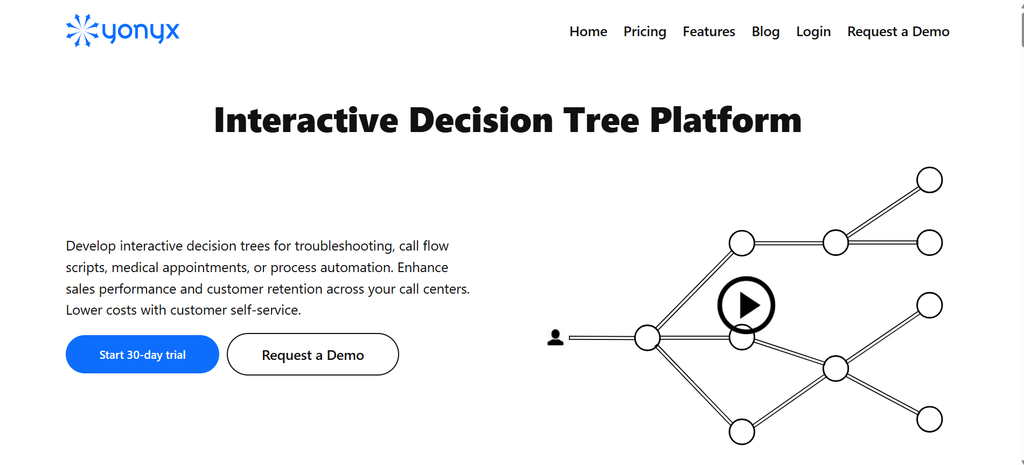
Yonyx makes the most sense when a customer interaction can be translated into a clear sequence of decisions. Instead of asking agents to search through documents or remember what to ask next, the platform guides them through an interactive decision tree that shows the next question, instruction, or action based on the previous response.
Yonyx can also connect with other business systems through APIs and CRM integrations. This allows teams to use customer data within the call flow, capture information during the conversation, and update records as the agent moves through the process.
Yonyx offers a professional plan at $20 per user per month for internal call center use, along with a 30-day trial. Enterprise plans with deeper integrations are available through custom pricing.
Real User Feedback
“I used Yonyx in my last company, and I brought it to my new company. This tool can be used in every aspect of the business where processes matter. The customer support is more than outstanding. Customer support takes the time to fully explain and truly educate you on best practices. I cannot say enough positive statements about using this tool. ”
Pros
- Strong conditional branching and interactive call flows
- CRM data can influence workflow behavior
- Suitable for sales, service, and troubleshooting
- APIs and structured data exchange support workflow automation
- Relatively accessible public pricing for standalone call-center use
Cons
- Complex trees still require disciplined process design
Choose Yonyx if your agents need a controlled, repeatable path that changes according to customer answers, CRM information, or business rules.
2. Zingtree
Best for: Operations teams that want business users to build and maintain complex agent workflows without turning every change into an IT project.
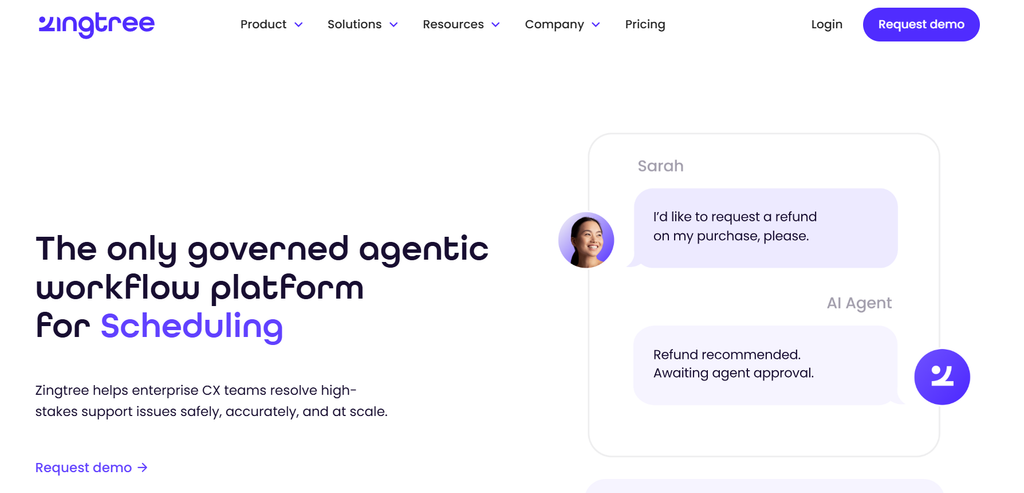
Zingtree is the builder-oriented option in this group. Its visual decision-tree approach turns policies and processes into guided workflows that agents can follow step by step, and its current positioning extends beyond traditional scripting into broader workflow orchestration.
That flexibility is useful when several departments need to own their own processes. Instead of giving authors a fixed call-script template, Zingtree gives them a no-code environment for branching logic, process guidance, and integrations. Capterra describes it specifically as a platform for creating no-code interactive decision trees for agent scripts, customer guidance, and internal processes.
The tradeoff is that larger or more complex trees can become harder to manage over time, so teams with many workflows may need a clear structure and ownership process to keep everything organized.
Pricing: Contact Sales
Real User Feedback:
“Visual tree builder makes it easy to create interactive troubleshooting flows without coding, helping teams turn scattered documentation into consistent, step-by-step guidance. However, larger trees can slow down the editor, advanced setups require trial and error, and pricing increases as more seats are added. ”
Pros
- No-code visual decision-tree authoring
- Strong fit for teams that frequently change processes
- Useful integrations with support and CRM environments
- Versioning and workflow governance capabilities
Cons
- Large workflow estates need careful organization
- Advanced reporting may not satisfy every analytics use case
- Business pricing is less transparent than a simple per-seat public rate
Choose Zingtree if: Multiple business teams need to own and regularly modify guided workflows without relying heavily on developers.
3. ScreenSteps
Best for: Teams whose main challenge is turning scattered SOPs, institutional knowledge, and troubleshooting procedures into instructions agents can actually follow.
ScreenSteps enters the problem from a different direction. It is primarily a knowledge operations platform, not simply a scripting application.
Its value becomes clearer when an agent’s problem is not “What line should I say next?” but “How do I complete this complicated procedure correctly while the customer is waiting?”
The Operations Standard plan includes procedures, articles, decision trees, checklists, videos, change notifications, and content certifications. ScreenSteps also promotes interactive decision trees for call-center troubleshooting and procedural work.
Because it is built around broader knowledge and procedure management, it may feel like more of a platform than a team needs if the goal is only to create simple call scripts. It also requires more setup and content ownership than a lightweight scripting tool.
Pricing: Starts at $6,000/year
Real User Feedback:
“I’m able to do my job more effectively each day thanks to ScreenSteps. It has been an extremely useful platform for our internal and client-facing knowledge base ”
Pro
- Combines knowledge management with decision trees
- Strong fit for complicated procedures and troubleshooting
- Content governance and certification features
- Useful when agents must follow instructions rather than memorize them
Cons
- Broader knowledge-operations scope may be excessive for teams wanting only call scripts
- Less focused on conversational coaching than AI agent-assist tools
- Higher entry point than lightweight scripting software
Choose ScreenSteps if: Your call-center scripting problem is really a knowledge-transfer and procedural-consistency problem.
Real-Time AI Guidance for Dynamic Conversations
The next three platforms do not rely primarily on agents manually walking through a predetermined tree. They analyze interactions and surface assistance as conversations unfold.
4. Balto
Best for: Sales and service organizations that want agents to receive prompts, rebuttals, and coaching while the conversation is happening.
Balto starts with the live call rather than with the flowchart. Its software listens to customer interactions and can surface dynamic prompts, discovery questions, required talking points, and rebuttals at the relevant moment. That makes it attractive for calls where two conversations about the same product may develop in completely different directions.
This approach can also reduce how much an agent must consciously manage. Instead of navigating a structured tree, the software reacts to conversational signals and brings guidance forward when it is needed.
The downside is that its effectiveness depends heavily on how accurately the system interprets live speech and context. Teams that need tightly controlled, step-by-step workflows may still prefer a more structured scripting approach.
Pricing: Starts at $6,000/year
Real User Feedback
“I feel like sometimes the dynamic call following does lag a little bit.”
Pros
- Strong real-time coaching model
- Dynamic prompts tied to live calls
- Helpful for objection handling and agent ramp-up
- Large volume of positive G2 feedback
Cons
- Guidance quality depends partly on accurate interpretation of live speech
- Less deterministic than a predefined decision-tree workflow
- Pricing requires a sales conversation
Choose Balto if: Your agents need a coach reacting to the conversation more than they need a structured process map.
5. Cresta
Best for: Large contact centers that want AI to identify what successful agents do and make those behaviors available across the wider team.
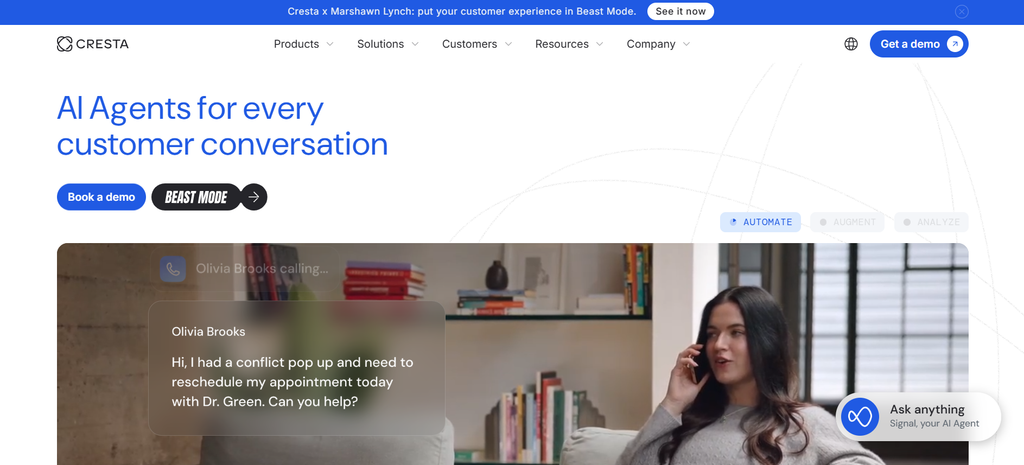
Cresta is less about displaying a traditional script and more about influencing agent behavior at important moments.
Its Agent Assist monitors live interactions, interprets conversation and on-screen context, and can surface source-backed answers, outcome-focused hints, and guided workflows inside existing agent environments. Cresta specifically emphasizes proactive assistance rather than requiring agents to search for help.
That makes it relevant to enterprise operations looking beyond scripting into coaching, conversation intelligence, knowledge, and performance optimization.
Pricing: Custom
Real User Feedback
“Cresta delivers innovative solutions for complex workflows that can otherwise cost time and money.”
Pros
- Context-aware real-time guidance
- Strong enterprise coaching orientation
- Connects live assistance with broader conversation intelligence
- Guided workflows can coexist with AI recommendations
Cons
- Built for a broader enterprise AI use case than basic scripting
- Public pricing is unavailable
- AI/transcription accuracy can vary by interaction
Choose Cresta if: Improving behaviors across a large contact-center workforce is as important as telling an individual agent what to say next.
6. Observe.AI
Best for: Contact centers that want real-time guidance to feed directly into quality management and performance improvement.
Observe.AI sits at an interesting intersection. It is clearly an AI and conversation-intelligence platform, but its Agent Assist product includes a capability explicitly called Smart Scripts.
Those scripts appear as visual checklists during live conversations, while dynamic prompts can surface information according to conversational context. Observe.AI also layers in sentiment cues, supervisor assistance, automated QA, coaching, and analytics.
For organizations that already think of agent scripting as part of the quality-management loop, that combination can make more sense than buying an isolated script builder.
Pricing: Customized.
Real User Feedback
“What stands out most is the automated QA and speech analytics capability. Transcription accuracy still struggles when dealing with heavy regional accents, noisy background environments, or domain-specific technical jargon.”
Pros
- Smart scripts and context-triggered prompts
- Strong connection between agent guidance and QA
- Conversation analytics and coaching in the same environment
- Useful for compliance monitoring
Cons
- Considerably broader than traditional scripting software
- Configuration can require dedicated ownership
- Speech/sentiment accuracy is not perfect in every situation
Choose Observe. AI if: Your scripting initiative is closely tied to QA, coaching, compliance, and conversation analytics.
CCaaS Platforms With Built-In Scripting and Agent Guidance
These platforms become relevant when scripting is only one part of a much bigger contact-center technology decision.
If you already have telephony and routing you want to keep, a dedicated scripting platform may be simpler. If you are replacing the contact-center stack itself, the following products deserve consideration.
7. Dialpad
Best for: Teams that want calling, contact-center operations, and AI coaching in one environment rather than adding a separate scripting layer.
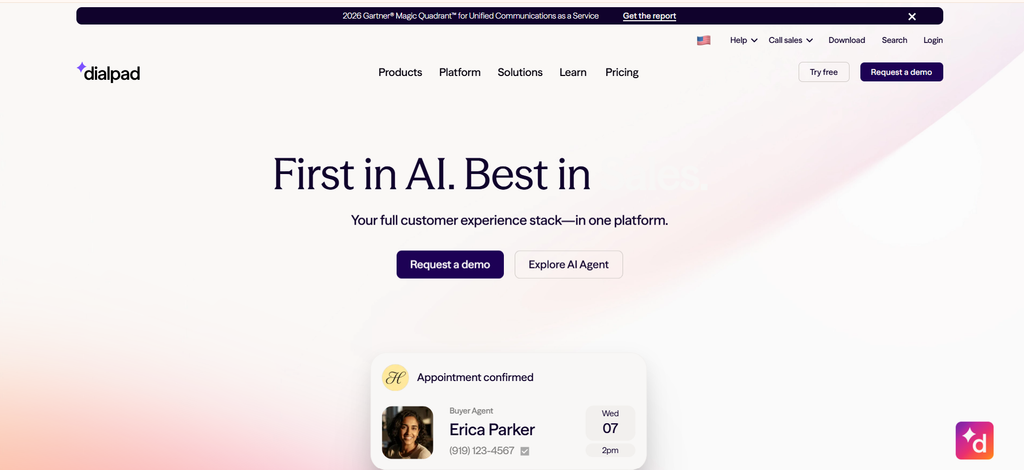
Dialpad’s advantage is consolidation. Its AI Live Coach Cards can automatically appear during calls when defined phrases or conversational triggers are detected. Those cards can contain talking points, reminders, or step-by-step guidance, keeping the agent inside the same platform used for the conversation.
That makes Dialpad fundamentally different from a dedicated decision-tree application. You are buying a communications/contact-center platform and receiving guidance as part of that wider environment.
Pricing: Starts at $80/month (billed annually)
Real User Feedback
“I enjoy the fact it works and the layout is fairly intuitive. Its not hard to learn where to go and how to use as a user, most of our users dont even need any type of training.”
Pros
- Calling and AI coaching share one workspace
- Trigger-based Live Coach Cards
- Strong transcription and conversation features
- Easier consolidation for teams already considering Dialpad
Cons
- Buying an entire communication stack may be unnecessary if only scripting is needed
- Advanced reporting receives mixed feedback
- Less deterministic than a dedicated branching workflow engine
Choose Dialpad if: You want AI-assisted scripting but are also evaluating the phone/contact-center platform agents use every day.
8. NiCE CXone
Best for: Large operations that need contact-center routing, workforce tools, AI, and compliance capabilities under one platform.
NiCE CXone is a platform-scale decision. Its value is not that it gives an agent a simple call script. It is that scripting and guidance can sit alongside voice and digital channels, routing, recording, workforce engagement, analytics, and enterprise controls.
That breadth makes NiCE a practical option for large contact centers looking to bring several functions into one environment. For teams that only need scripting or guided call flows, however, the platform may offer far more functionality than the project actually requires.
Pricing: Starts at $110 per agent per month
Real User Feedback
“I do like this part of the NiCE CXone system. It’s quick and fast and doesn’t really lag unless you’re on a call. It is an easy system to navigate. The initial setup is pretty easy. “
Pros
- Broad enterprise CCaaS functionality
- Guidance can sit within a wider compliance and workforce environment
- Large third-party review base
- Suitable for complex, high-volume operations
Cons
- Significantly more platform than a scripting-only buyer may need
- Advanced capabilities raise cost
- Administration and reporting can become complex
Choose NiCE CXone if: Call scripting is one requirement inside a larger enterprise contact-center modernization project.
9. Five9
Best for: Organizations where dialing, routing, and high call volumes matter just as much as agent guidance.
Five9 brings a long-established contact center and outbound orientation to the scripting conversation.
Its AI Agent Assist can surface real-time guidance cards and checklists, provide relevant information, support next-best actions, and automate parts of after-call work through transcription and summaries.
For outbound teams, this is useful because the agent-guidance layer sits within the same environment as campaigns, dialing, queues, and the contact-center desktop. That can make Five9 a better fit for teams that want scripting and guidance as part of a broader contact center setup rather than as a separate tool.
Pricing: Starts at $119/seat
Real User Feedback
“I really like the intelligent call routing, which automatically directs calls to the most appropriate agent based on their skills and availability, reducing wait time and ensuring the customer reaches the right person as fast as possible.“
Pros
- Strong outbound and blended contact-center capabilities
- Real-time guidance cards and checklists
- Useful CRM and enterprise integrations
- AI summaries can reduce after-call work
Cons
- Premium platform pricing
- Reporting and administration can become complex
- Too broad if the only requirement is scripting
Choose Five9 if: Your contact center needs dialing, routing, and a complete agent platform in addition to live guidance.
10. Genesys Cloud CX
Best for: Enterprises that want call scripts to live inside sophisticated routing, automation, and omnichannel customer journeys.
Genesys is an orchestration-heavy option. Its Cloud CX platform brings together voice, digital channels, routing, analytics, bots, workforce capabilities, and AI. For this comparison, one of its more relevant features is AI-guided scripts and flows within Agent Copilot.
Genesys also provides Architect for building more complex customer journeys, while its workflow tools support reusable logic across different interaction types. This makes it a better fit for larger contact centers that need scripting to work as part of a broader customer experience and routing environment, rather than as a standalone tool.
Pricing: Starts at $98/month (billed annually)
Real User Feedback
“For me, the strongest aspect of Genesys Cloud CX is the level of flexibility available to both operational and technical teams.”
Pros
- AI-guided scripts and flows inside the wider platform
- Sophisticated customer-journey orchestration
- Strong APIs and integration possibilities
- Suitable for complex omnichannel environments
Cons
- Administrator learning curve
- Broader architecture than a dedicated script project requires
- AI and advanced requirements can complicate pricing
Choose Genesys Cloud CX if: Your scripting requirements are part of a larger plan to orchestrate complex customer journeys across channels and systems.
11. Talkdesk
Best for: Contact centers that specifically want step-by-step call scripting but also need voice, routing, reporting, and AI agent assistance.
Talkdesk is unusual among the larger CCaaS options because it offers a feature that works much more like dedicated scripting software.
Smart Scripts present content to agents step by step, can branch based on variables, capture agent input, query knowledge, call external systems, and personalize instructions using previously collected customer information. They can also automate actions such as updating a CRM record.
Talkdesk Copilot adds another layer by understanding conversation intent and providing real-time next-best-action recommendations, knowledge, and summaries.
This makes Talkdesk something of a bridge between the categories in this article. It combines structured scripting with conversational AI, but teams that only need call scripts may find the broader CCaaS platform more than they need.
Pricing: Starts at $85/month
Real User Feedback
“I do not have many concerns with Talkdesk. The main challenge is making sure statuses, missed calls, and customer information are updated accurately”
Pros
- Genuine step-by-step Smart Scripts
- Script branching and variable-based personalization
- Can automate actions in connected systems
- Combines structured scripting with AI Copilot
Cons
- Requires investment in a broader CCaaS platform
- Published pricing assumes a longer commitment
- Connectivity and integration issues appear in some user feedback
Choose Talkdesk if: You want structured scripts close to a dedicated workflow experience but also intend to run your contact-center infrastructure on the same platform.
Final Thoughts
Do not start by booking demos with every vendor on this list.
First, take one difficult call your agents regularly handle and map what actually happens from the opening question to resolution. Note where agents make decisions, search for information, enter data, escalate, or risk missing required steps.
Then decide which type of guidance would solve those problems best:
- Choose decision-tree scripting if agents need a clear path through repeatable processes.
- Choose real-time AI guidance if calls vary widely and agents need contextual prompts while speaking.
- Choose a CCaaS platform if scripting is only one part of a wider contact-center technology change.
Shortlist two or three tools that fit that model and run the same call scenario through each one.
The best call center scripting software is not the platform with the longest feature list. It is the one that helps agents reach the right next step with less searching, fewer mistakes, and less effort during a real customer conversation.
How to Choose the Right Call Center Scripting Software
Start with how your agents actually handle calls, then narrow the options from there.
- Decide how guidance should work. Choose decision-tree software for structured processes, AI agent assist for fluid conversations, or a CCaaS platform if scripting is part of a larger contact-center replacement.
- Check CRM and system integrations. Look for tools that can read customer data, personalize the call flow, capture responses, update records, and trigger connected actions.
- Consider who will maintain the scripts. If operations, training, or compliance teams will make frequent updates, prioritize no-code authoring and simple publishing workflows.
- Review compliance requirements. Regulated teams may need controlled branching, mandatory steps, version history, approvals, disclosures, and clear audit trails.
- Test a real customer scenario. Ask shortlisted vendors to run the same complex call flow and compare resolution time, agent effort, missed steps, data capture, and overall usability.
The right tool should make difficult calls easier to handle without adding another layer of complexity for agents.
Frequently Asked Questions About Call Center Scripting Software
What is the best call center scripting software?
The best option depends on the workflow. Yonyx and Zingtree use structured decision-tree scripting, while Balto and Observe.AI focus more on real-time AI guidance. Broader platforms such as Genesys, Five9, and Talkdesk are better suited when scripting is part of a wider CCaaS requirement.
What is dynamic call scripting?
Dynamic call scripting changes the next question, instruction, or action based on customer responses, CRM data, or previous steps. Unlike a static script, agents only see the guidance relevant to the situation they are handling.
What is the difference between call scripting software and AI agent assistance?
Call scripting software usually follows predefined workflows and business rules. AI agent assist analyzes live conversations and surfaces relevant prompts automatically. Decision trees work well for controlled processes, while AI guidance is useful when conversations are less predictable.
What is the difference between a call center script and a decision tree?
A call center script tells agents what to say or do. A decision tree determines which script, question, or action appears next based on earlier answers. Decision trees are especially useful for troubleshooting, qualification, compliance, and other calls with multiple possible paths.
Can call center scripting software integrate with CRM systems?
Yes. Depending on the platform, CRM integrations can display customer data, personalize scripts, skip unnecessary steps, capture responses, update records, and trigger follow-up actions. Integration depth varies, so buyers should check exactly what data can move between systems.
How much does call center scripting software cost?
Pricing varies widely. Dedicated scripting tools may start around a per-user monthly fee, while larger CCaaS platforms can cost significantly more because they also include telephony, routing, analytics, workforce tools, and AI capabilities. Some enterprise AI platforms use custom pricing.
